
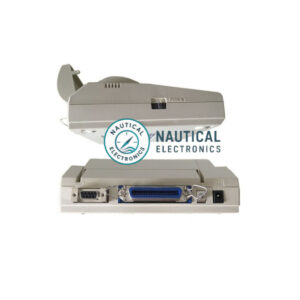
Marine Device : NAVTEX PRINTER, VHF DSC PRINTER
Manufacturer : SEIKO
Type / Model : DPU-414
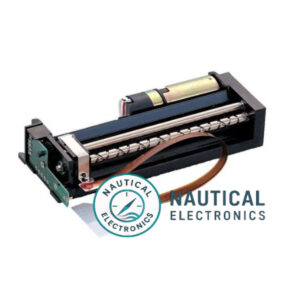
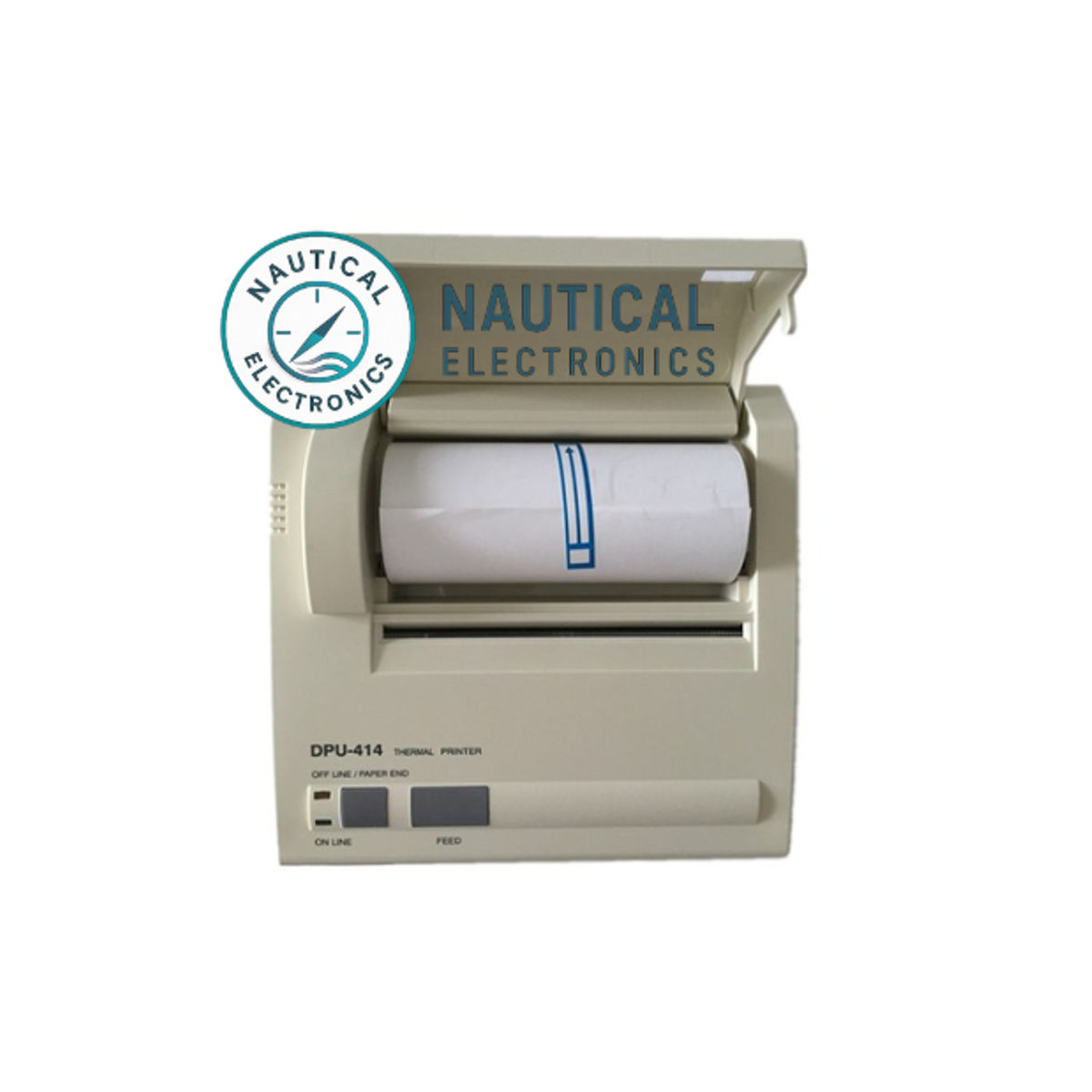
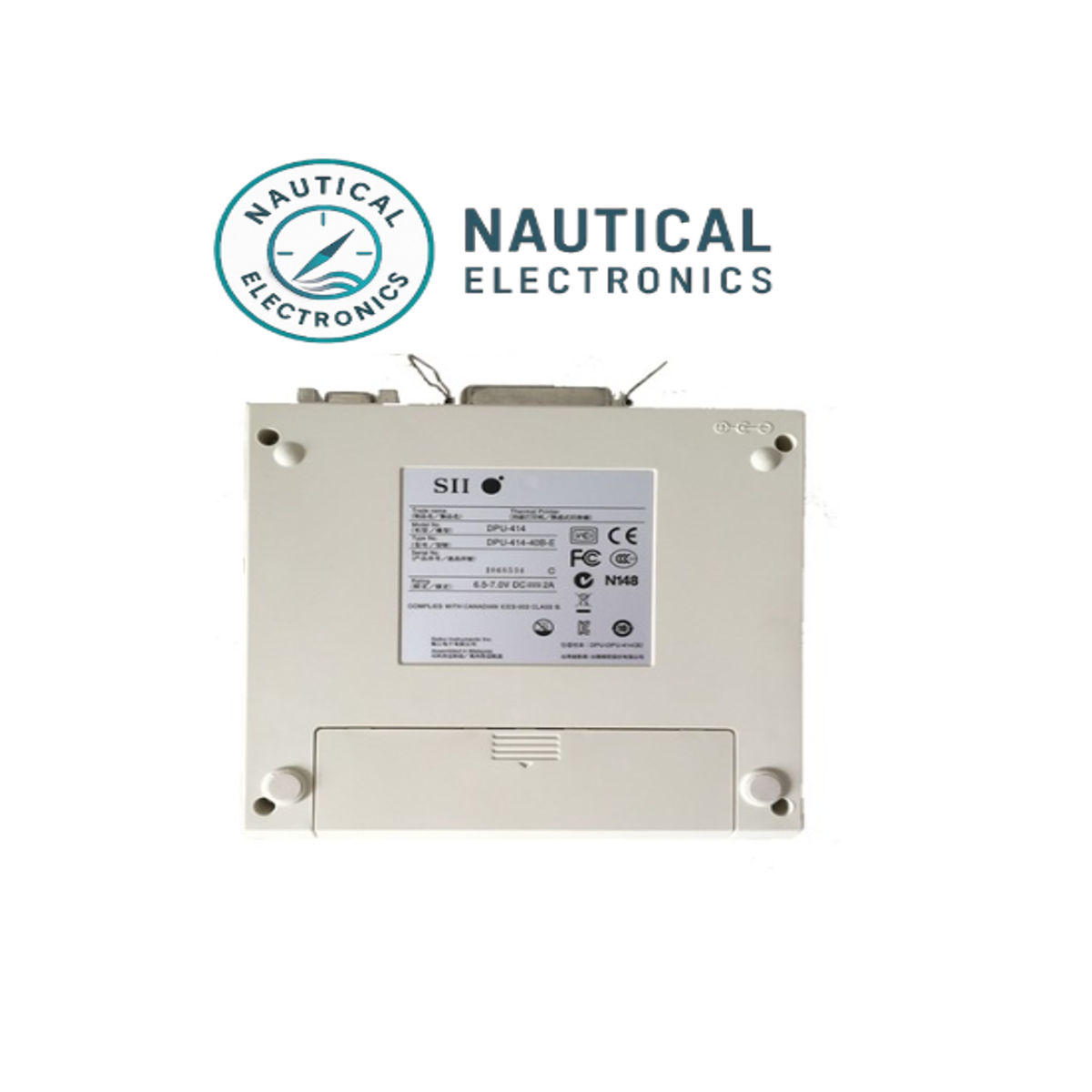
Seiko DPU-414 Thermal Printer
Overview
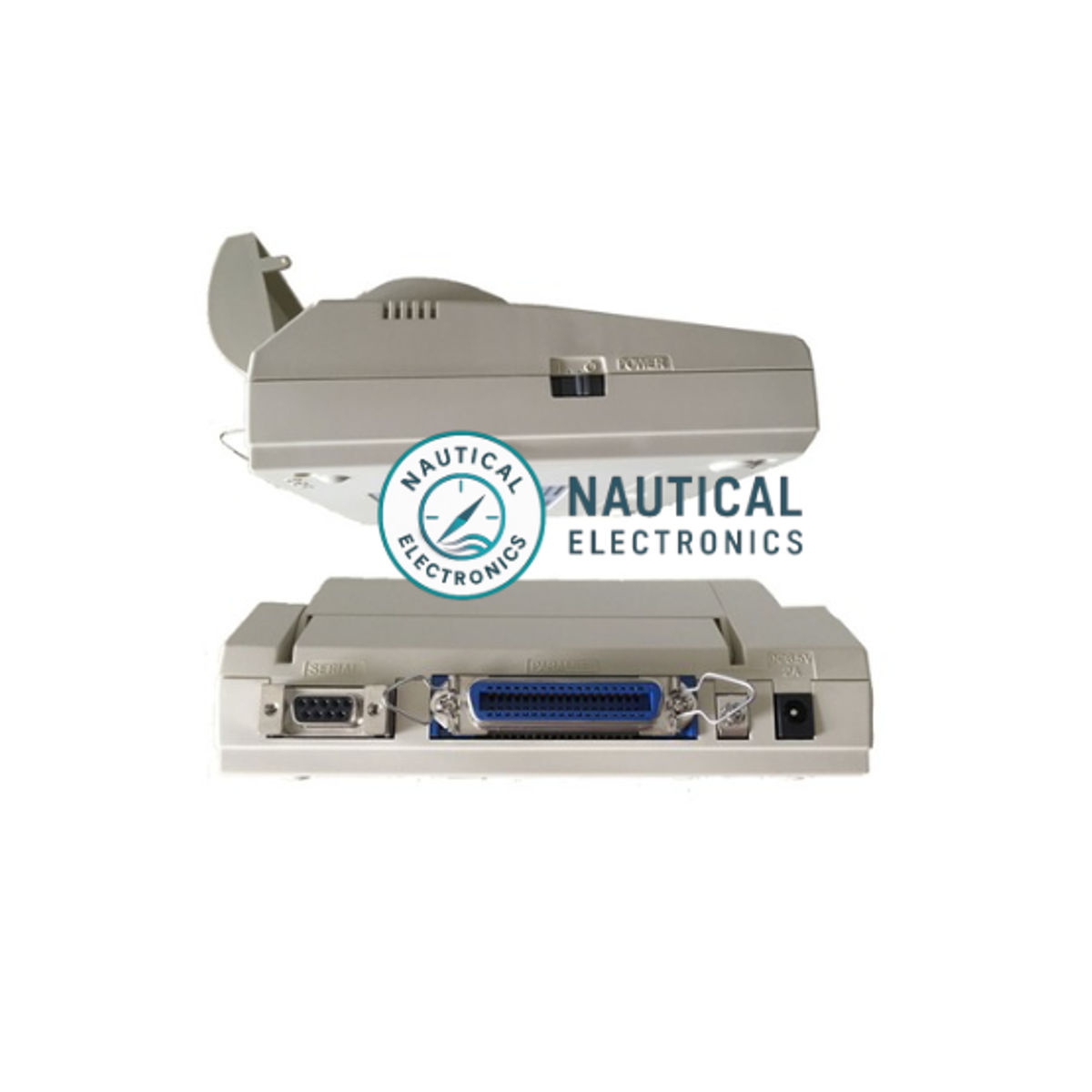
The Seiko DPU-414 is a compact, high-quality thermal printer designed for marine-electronics use—especially in systems such as NAVTEX receivers and VHF/DSC radio setups. It supports both serial (RS-232) and parallel (Centronics) interfaces, making it adaptable for integration with a broad range of maritime communication equipment.
Key Features
-
Versatile Interfaces: Supports 8-bit parallel (Centronics) and RS-232C serial ports.
-
Support for Marine-Message Systems: Commonly used in NAVTEX and DSC radio printing applications.
-
High-Quality Thermal Printing:
-
9 × 320 dots per line resolution in standard mode.
-
Printing width approx. 89.6 mm.
-
Paper width 112 mm roll.
-
-
Character & Graphics: Supports up to 256 character patterns (alphanumeric, international characters) as well as bit-image printing.
-
Compact Size & Build: Approximate dimensions 160 × 170 × 66.5 mm, weight around 580 g (printer unit only).
Typical Specifications at a Glance
| Specification | Detail |
|---|---|
| Printing Method | Thermal serial dot printing |
| Dots/Line | 9 × 320 (standard) |
| Number of Columns | 40 (normal), 80 (condensed) |
| Max Speed | Up to ~52.5 characters/sec (normal) |
| Paper Width | Up to 112 mm roll; print width ~89.6 mm |
| Interface | RS-232C (9-pin D-Sub), Centronics Parallel |
| Dimensions | ~160 mm W × 170 mm D × 66.5 mm H |
| Weight | Approximately 580 g (without battery pack) |
| Service Life | Rated for >500 000 printed lines |
Applications & Benefits
-
Ideal for NAVTEX receivers and marine VHF/DSC stations where printing of received messages or distress logs is required.
-
The dual-interface capability makes it highly adaptable to a range of bridge-equipment setups.
-
Its compact size allows easy installation in confined shipboard locations without compromising performance.
-
Long service life and support for international character sets make it suitable for global maritime use.
Installation & Usage Notes
-
Mount the printer in a stable, vibration-minimized location and ensure the unit is level for optimal paper feeding.
-
Use recommended thermal paper rolls (e.g., 112 mm width) and ensure that the next roll is loaded correctly to prevent printing errors.
-
Ensure communications cable (serial or parallel) is correctly connected and configured in the message-system settings.
-
For integration with NAVTEX/DSC systems, verify the printer’s online/offline status and feed mechanisms work during message receipts.